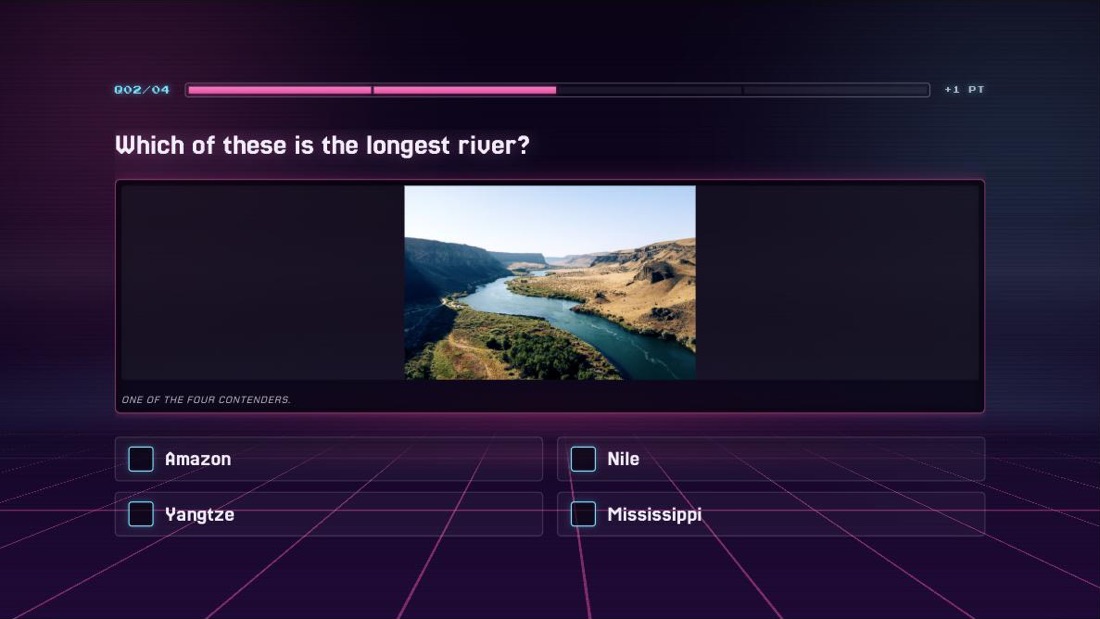
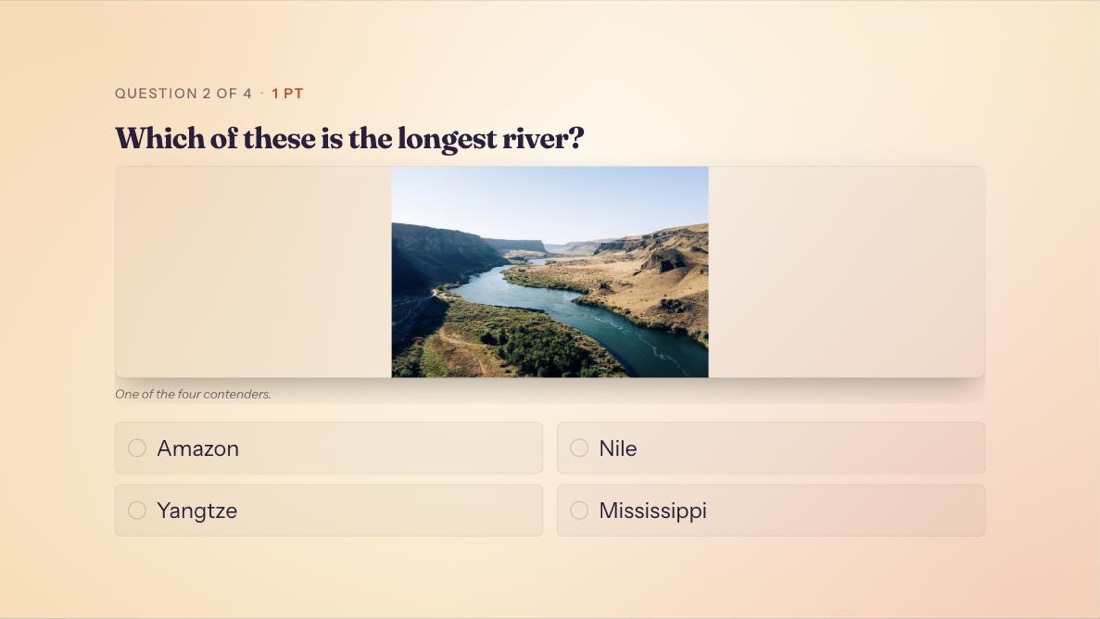
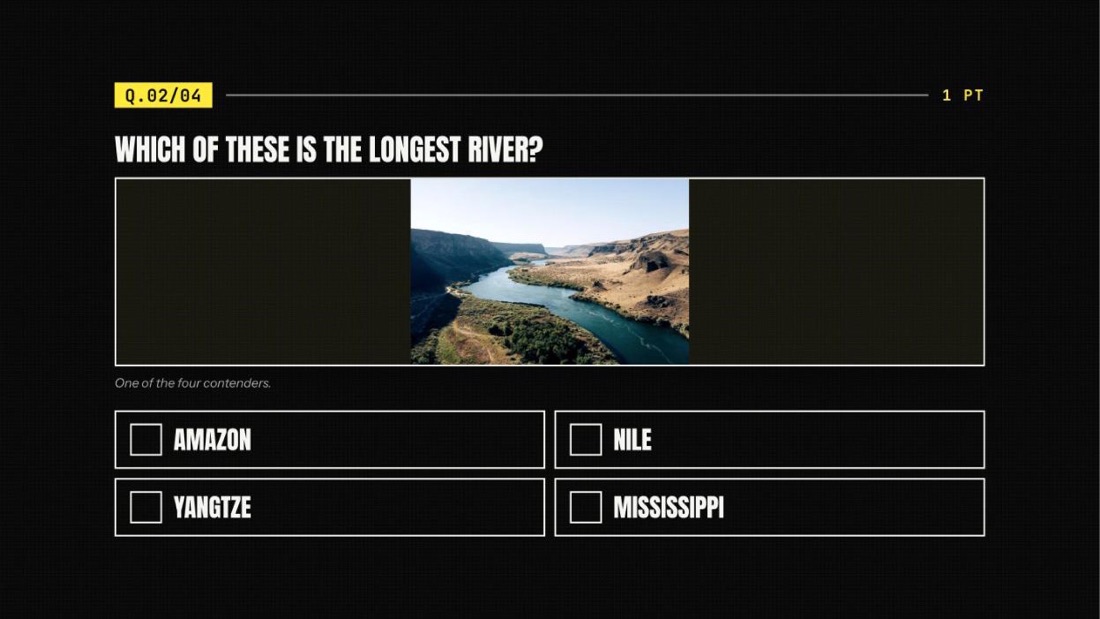
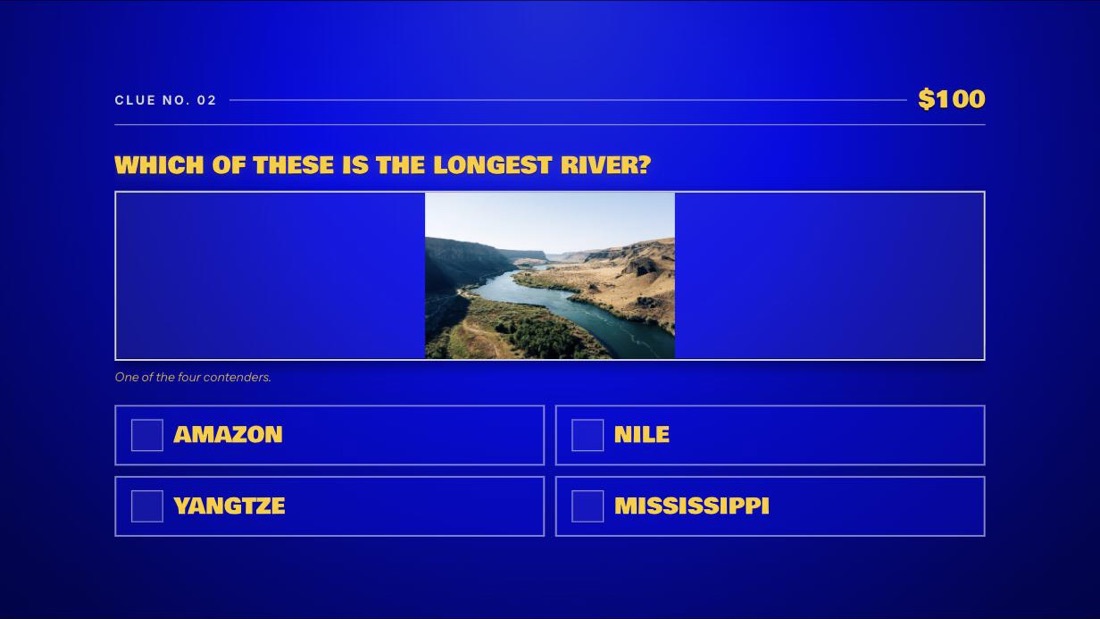
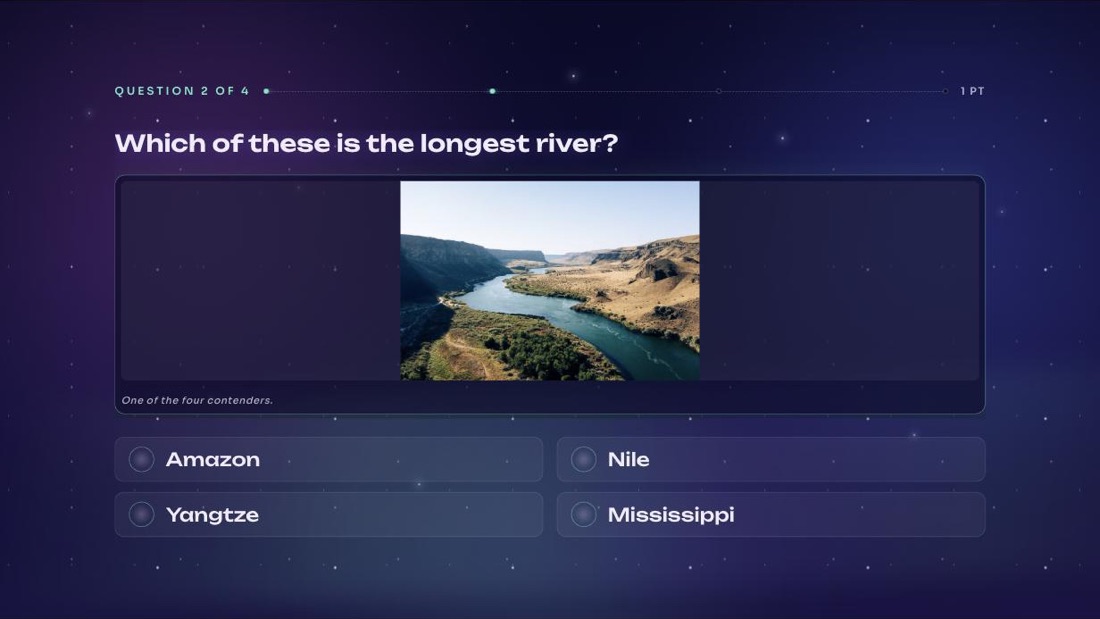
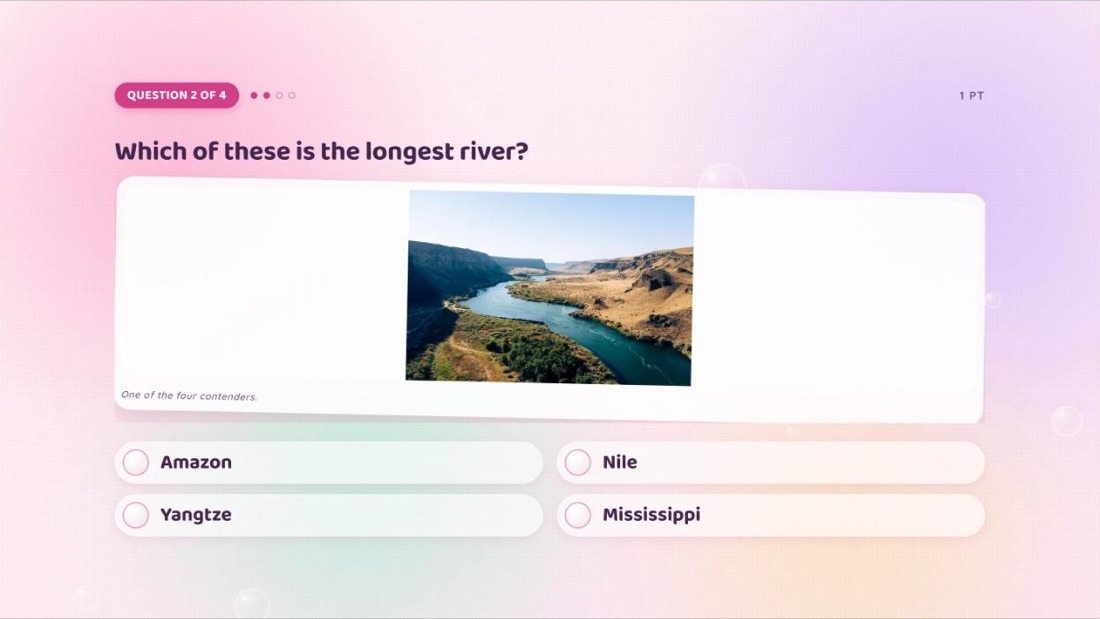
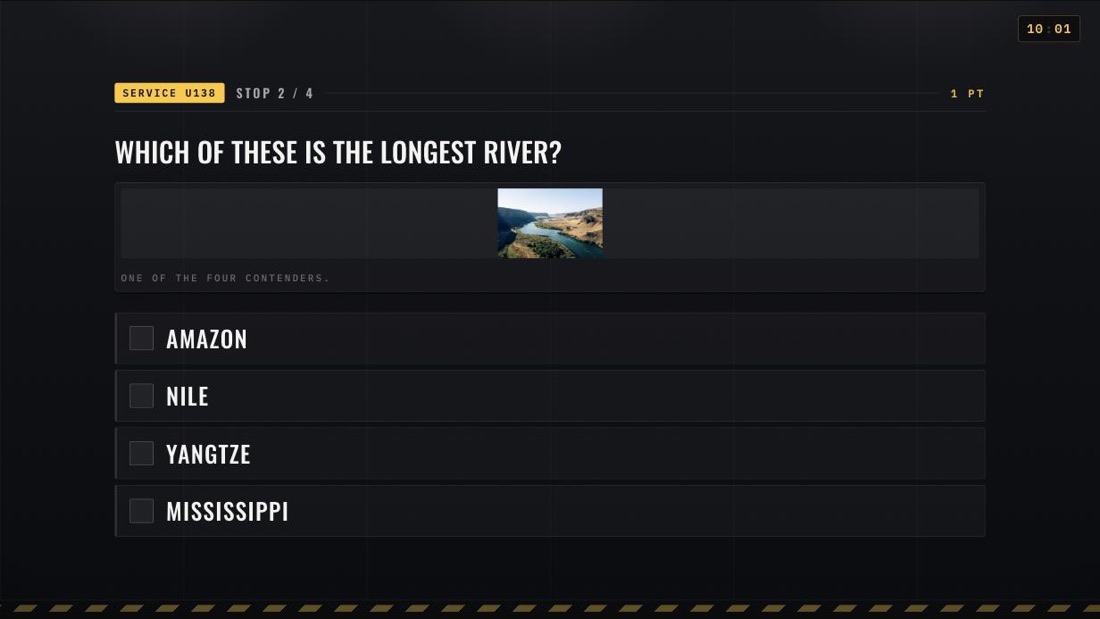
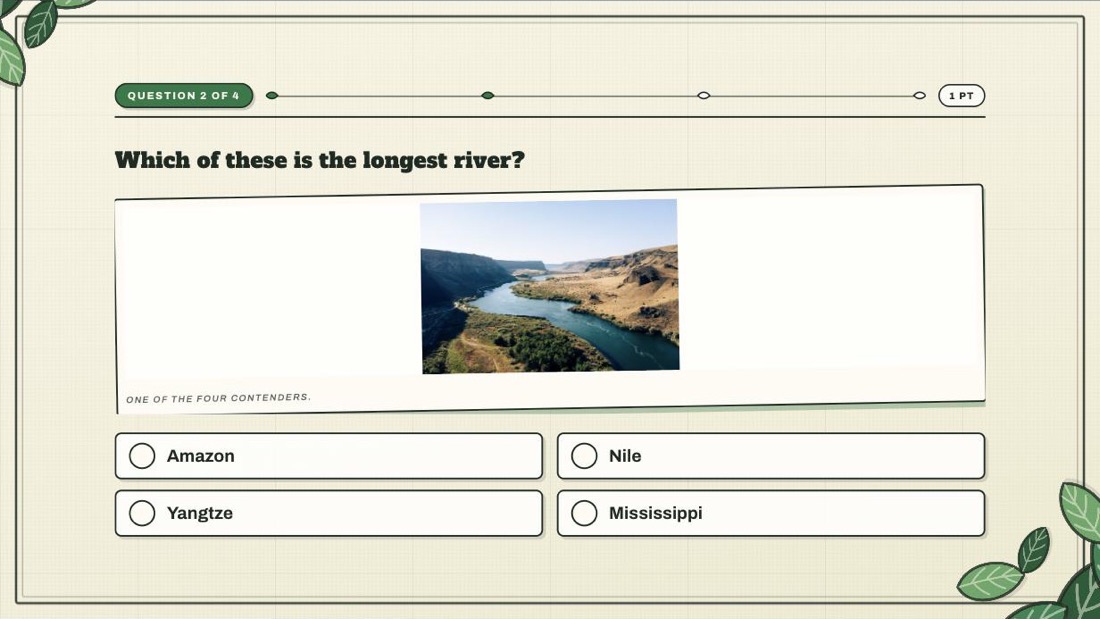
Write it like a script
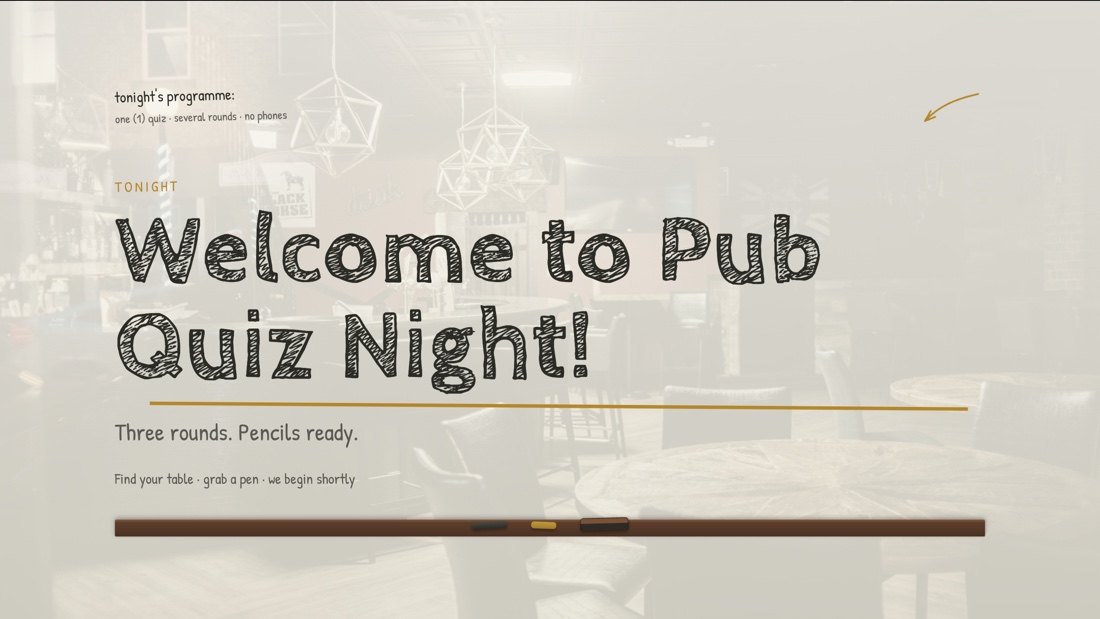
A timeline of segments — welcome, rounds, reveals, breaks, final scores. Whether your AI drafted it or you did, edit slides inline like a deck and reorder until the night has an arc.
Connect Claude or ChatGPT
Ask Claude or ChatGPT for a five-round night. It lands in Quiz Master as a real show — rounds, reveals, music, pictures — ready to rehearse and present.
https://thequizmaster.app/mcpFree while in early access · No API key · The demo needs no account
Watch it build one
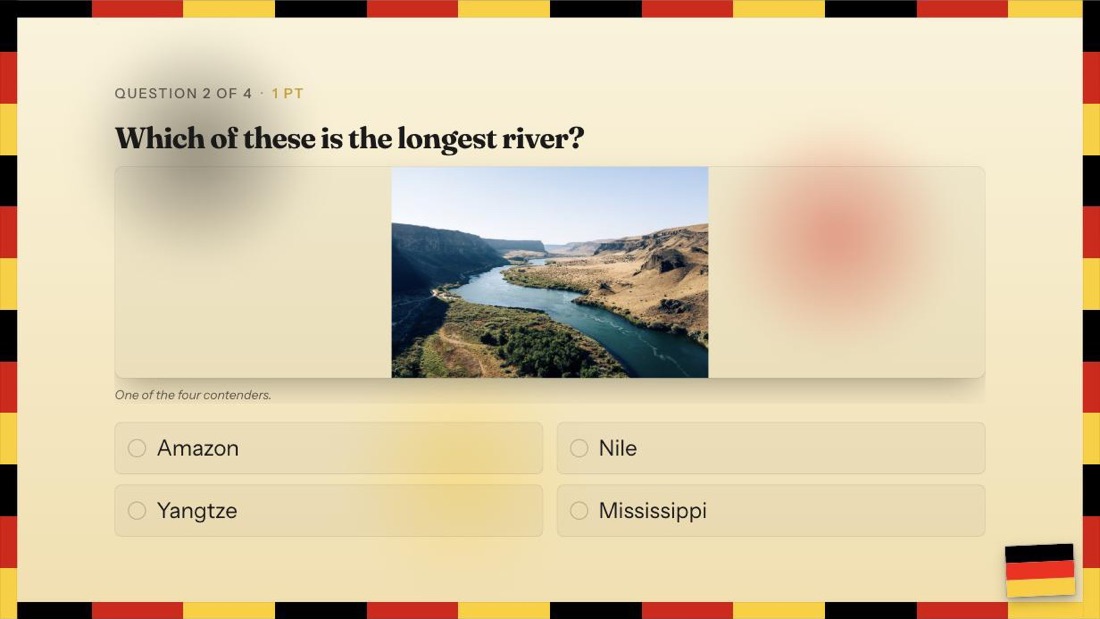
A picture round asked for in plain words: the assistant writes the questions, imports the paintings into your storage and slots the round, with its reveal, into the quiz. Then it's showtime.
How it works
The assistant does the writing. Quiz Master is where the night gets checked, dressed and run.
Paste one URL into your assistant’s connector settings and sign in with your Quiz Master account. No API key, no config file.
Ask for a night, a round or a single tie-breaker. Your assistant writes the rounds, questions and media straight into your library.
Step through it in preview, fix what you’d say differently, then present it with a theme on the big screen and score by hand.
Step by step: Claude guide ChatGPT guide
Model Context Protocol · connector
There is no black box to prompt inside Quiz Master. The assistant you already use gets typed tools for your builder and your question library — so it can do the fiddly parts properly.
What it can do
Try asking
The show side
Whoever wrote the questions, the night still has to be run. Six things a host actually does — and the one place that does all of them.
A timeline of segments — welcome, rounds, reveals, breaks, final scores. Whether your AI drafted it or you did, edit slides inline like a deck and reorder until the night has an arc.
Every question lives in your own tagged repository. Reuse it across quizzes, fix it once, and every show that references it is up to date.
A fullscreen presenter view built for projectors — huge type, staged reveals, celebration moments. The room sees the stage; you see the controls.
Images, audio and YouTube clips sit on the question itself — and the clip stays covered until you play it, so the video title never gives the answer away.
Preview mode steps through the whole show exactly as the room will see it. Fix the typos while the venue is still quiet.
Teams, round scores, half-points, bonus points with a note, and undo. The scoreboard keeps itself; you keep your eyes on the room.
No assistant required
Prefer to write it yourself? Build the night on one timeline, fill rounds from your question library, pick tonight's theme and run the room from your laptop.
The demo runs the actual presenter engine on a full sample quiz — seventeen segments, four rounds, reveals and standings. No account, nothing to install.
Before you ask
Anything that speaks the Model Context Protocol — Claude on the web, Claude Desktop, Claude Code, and ChatGPT. You sign in with your own Quiz Master account, and the connector only ever sees your own quizzes. Claude guide · ChatGPT guide
No. You paste one server URL into your assistant and approve it with your Quiz Master sign-in. There is no key to create, paste or rotate.
It can create quizzes, add, edit, reorder and remove segments, and write and edit questions in your library. It can’t delete a quiz or a library question — those stay your call. Tool reference
No — and that's deliberate. Teams answer on paper while the big screen carries the show. Quiz Master runs the host's side: the script, the presenter view, the timers and the scoreboard.
A laptop and a screen or projector. The presenter view goes fullscreen on the big screen; the control panel stays on your laptop. If the venue Wi-Fi drops mid-round, the show keeps running and syncs when you're back.
Yes. Questions live in your own tagged library. Drop them into any quiz, and when you improve one, every quiz that uses it gets the update.
Yes. Every piece of text in a quiz can carry multiple languages, so you can write a question once, present it in the language of the room, and switch mid-show if you need to.
Quiz Master is free while in early access. Sign in with Google or email and start writing.
Connect your assistant, ask for tonight’s quiz, and rehearse it before the first pint is poured.